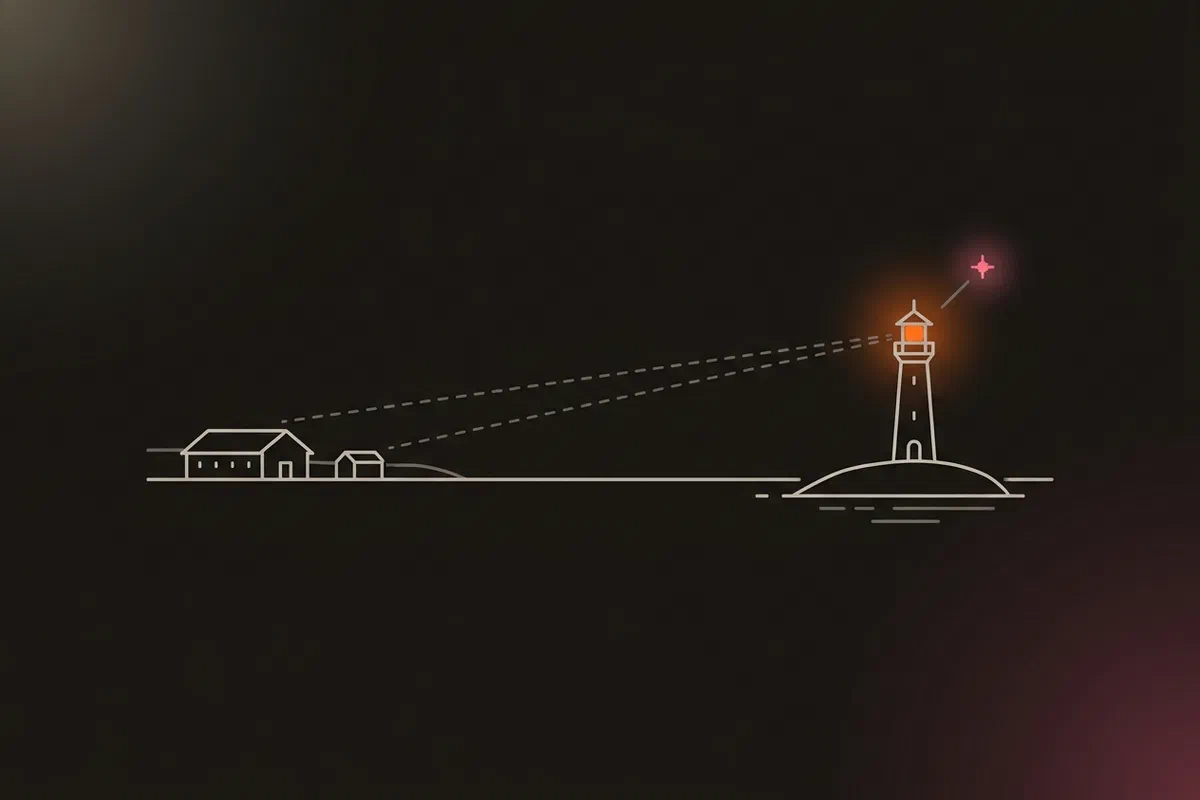


Monitoring that runs next to the thing it watches dies with it. Part 15 moved Prometheus and Loki off the cluster onto the app host in Oracle Cloud. That still leaves one question: who notices when the app host goes down?
The answer is a third machine on a third provider: a free Google Cloud e2-micro I call the DMZ observer. It has about 1 GB of memory and no public IPv4 address, because a public IPv4 is the one part of it that would cost money.
This post covers what the observer does, the three things IPv6-only broke (one of them silently, for eleven days), how everything fits in 1 GB, and why the machine most exposed to the internet ended up with the least authority of any host.
What the observer does #
- Watches from outside. Uptime Kuma probes the app host, the cluster’s apps through the gateway, and the public page, the way a user would reach them.
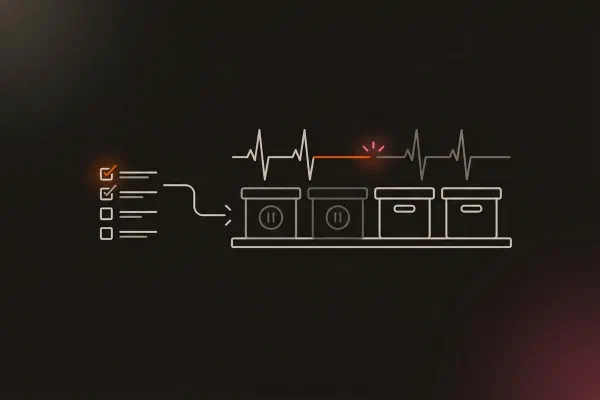
- Receives heartbeats. Every backup stage and the always-firing Watchdog alert from part 15 push to Kuma here on success. Silence pages.
- Serves the public status page. Glance draws it from one sanitised file, and
cloudflaredpublishes it through an outbound tunnel. That design is in the tailnet post, so I won’t repeat it. - Reports its own health. A node exporter, capped at 64 MB, is scraped by Prometheus on the app host.
Kuma on the app host watches the observer back, so either side notices if the other one dies.
No public IPv4, on purpose #
Google Cloud charges for an in-use external IPv4 address, even on the always-free tier, and an external IPv6 address costs nothing. The Terraform simply never asks for IPv4:
network_interface {
  network    = google_compute_network.dmz_vpc.id
  subnetwork = google_compute_subnetwork.dmz_subnet.id
  stack_type = "IPV4_IPV6"
  # External IPv6 is completely free ($0.00) in Google Cloud.
  # No public IPv4 access_config is configured, completely avoiding the $0.005/hr (~$3.65/mo) charge.
  ipv6_access_config {
    network_tier = "PREMIUM"
  }
}
The VM still has an internal IPv4 address on its own VPC. Nothing on the internet can reach it, but two Google services use it, as you’ll see below.
Inbound, the VPC allows exactly two things: ICMPv6, so I can ping it, and SSH from Google’s IAP range as a break-glass path when the tailnet is down. Everyday access is Tailscale SSH, which arrives inside WireGuard and needs no firewall rule at all. That last point caught me out once: an early rule allowed SSH from the tailnet’s IPv6 range, and it could never match anything, because tailnet addresses never appear on the VPC interface.
What IPv6-only broke #
| # | What | Symptom | Fix |
|---|---|---|---|
| 1 | Docker networks are IPv4-only by default | Containers had no route to the internet. Kuma’s alerts timed out | enable_ipv6 on the Compose network |
| 2 | cloudflared connects to Cloudflare’s IPv4 edge by default |
It tries edge addresses the VM has no route to | --edge-ip-version 6 |
| 3 | Cloud Storage for Kuma’s backups | No IPv4 route to Google’s APIs | Private Google Access on the internal address |
The second and third were handled as each piece was set up. The first one wasn’t noticed at all.
Eleven days of alerts that went nowhere #
Kuma was detecting failures correctly from its very first day. Monitors went red in its UI, which looked like a working alarm. But the VM reaches the internet only over IPv6, and Kuma’s Docker network was IPv4-only. Every Telegram notification timed out and went to a log line nobody read: 15 failures and no successful send, starting the day it was deployed (INC-2026-004).
The observer of last resort could see an outage and couldn’t tell anyone. That covered three days when its own monitors were red during another incident, which therefore couldn’t have paged either.
What made it hard to spot is that the host itself could reach Telegram fine. Every check I ran on the host passed. Only a check from inside the container showed the gap.
An investigation on 3 November found the cause, and a Watchdog drill on 8 November reproduced it on demand. I stopped the primary Alertmanager on purpose, Kuma marked the Watchdog down five minutes later, and then its Telegram send failed with connect ETIMEDOUT. Detection worked, delivery didn’t. The fix is a few lines on the Compose network:
networks:
  dmz-net:
    name: dmz-net
    driver: bridge
    # FND-08 M13 / INC-2026-004: the DMZ VM has no public IPv4 (terraform/02-gcp-dmz,
    # cost choice), so its only route to the internet is IPv6. Without IPv6 here no
    # container can reach anything public, and Kuma's Telegram alerts time out.
    enable_ipv6: true
The network gets a private IPv6 range, and Docker NATs it out through the host’s address. I tested it first on a throwaway network running Kuma’s own image, because Docker can’t change an existing network in place and the real stack had to be recreated. After that, Kuma’s Watchdog “up” message arrived in Telegram: the first Kuma alert ever delivered. The routine DMZ check now runs curl https://api.telegram.org from inside the Kuma container, not from the host.
Fitting into 1 GB #
The VM has 969 MiB usable, shared by the OS, Tailscale, Docker and every container. The first public page used Homepage, a Node.js dashboard at 150 to 250 MiB, about a quarter of the machine. Glance replaced it: a single Go binary at around 40 MiB (ADR-020). Homepage’s design also encouraged widgets that call internal APIs directly, which is the opposite of what a public-facing machine should do.
The node exporter has a 64 MB cap so it can never compete with Kuma, which is the reason the machine exists.
The least-trusted host gets the least power #
The observer faces the internet, so it’s the machine I trust least. Two changes followed from that.
No Docker agent. The observer used to run Hawser, an agent that let the Docker UI on the app host manage its containers. Hawser mounted the Docker socket, which made it root-equivalent on the host, and it listened on every address. The internet couldn’t reach it, and on the tailnet only the app host could. But every container on the same host could, including Glance and cloudflared, the two that face the internet. Only Hawser’s token stood between a compromised public container and root on the host. Hawser is gone, the tailnet grant for it is gone, and a policy test now denies it. The observer is managed by Ansible alone.
A backup identity that can only write. Kuma’s data (every monitor and the push tokens other hosts report with) is copied nightly to a Cloud Storage bucket. The VM’s service account can create objects there and nothing else:
resource "google_storage_bucket_iam_member" "dmz_backup_writer" {
  bucket = google_storage_bucket.dmz_backups.name
  role   = "roles/storage.objectCreator" # create only: no read, overwrite, delete or list
  member = "serviceAccount:${google_service_account.dmz_vm.email}"
}
A compromised observer can’t read, overwrite or delete its own history. A lifecycle rule deletes copies after 30 days. One snag: gcloud storage cp needs object read permission as well, so it failed with a create-only role. The upload is now a single JSON API call that only creates (28e6021), and a heartbeat to the app host confirms it ran.
One boot-order detail #
Docker on the observer waits for Tailscale, so the containers that probe over the mesh never start before the mesh is up:
- name: Configure Docker to wait for Tailscale service
  ansible.builtin.copy:
    dest: /etc/systemd/system/docker.service.d/override.conf
    content: |
      [Unit]
      After=tailscaled.service
      Wants=tailscaled.service
  register: docker_dropin

# FND-08: reload now, not via a handler. Handlers are skipped when a later
# task fails, which would leave the drop-in written but never loaded.
- name: Reload systemd now so the Docker ordering takes effect
  ansible.builtin.systemd:
    daemon_reload: true
  when: docker_dropin.changed
The second task is the Ansible lesson. A handler would be the usual way to reload systemd, but handlers don’t run if a later task fails. The drop-in would be on disk and never loaded, and nothing would say so.
What I learned #
- An alarm works only once a message reaches a person. A drill has to end with the message arriving, not with a red monitor. (INC-2026-004)
- On an IPv6-only host, turn IPv6 on for Docker networks explicitly, or containers have no route out. Then check every client that defaults to IPv4.
- Test egress from where the sender runs. The host could reach Telegram and the container couldn’t.
- A socket mount is root. Any container that holds the Docker socket is as trusted as the host, and so is anything that can reach it. (ADR-020 addendum)
- Give backup identities create-only rights, and check that your upload tool doesn’t quietly need more. (
28e6021)
Architecture takeaways #
An observer needs its own failure domain #
The observer only adds information if it fails independently of what it watches. Here that means a different provider, a different region and a different network path from both the homelab and the app host. Running Kuma on the app host would have been simpler and would have gone down with exactly the thing it was meant to report.
Trust follows exposure #
The more of the internet a machine faces, the less it should be able to do. The observer has no route into the app host except one probe grant, no agent with the Docker socket, and a cloud identity that can only add files. If it’s compromised, an attacker gets a status page and a monitoring tool, not a foothold.
Verify the path, not the parts #
Every part of the alert path worked on its own: Kuma detected, the host had internet, Telegram was up. The path as a whole never worked. An end-to-end drill, run on a schedule, is the only check that tests what you actually depend on.
Previous: Observability Off the Cluster · All posts in the series