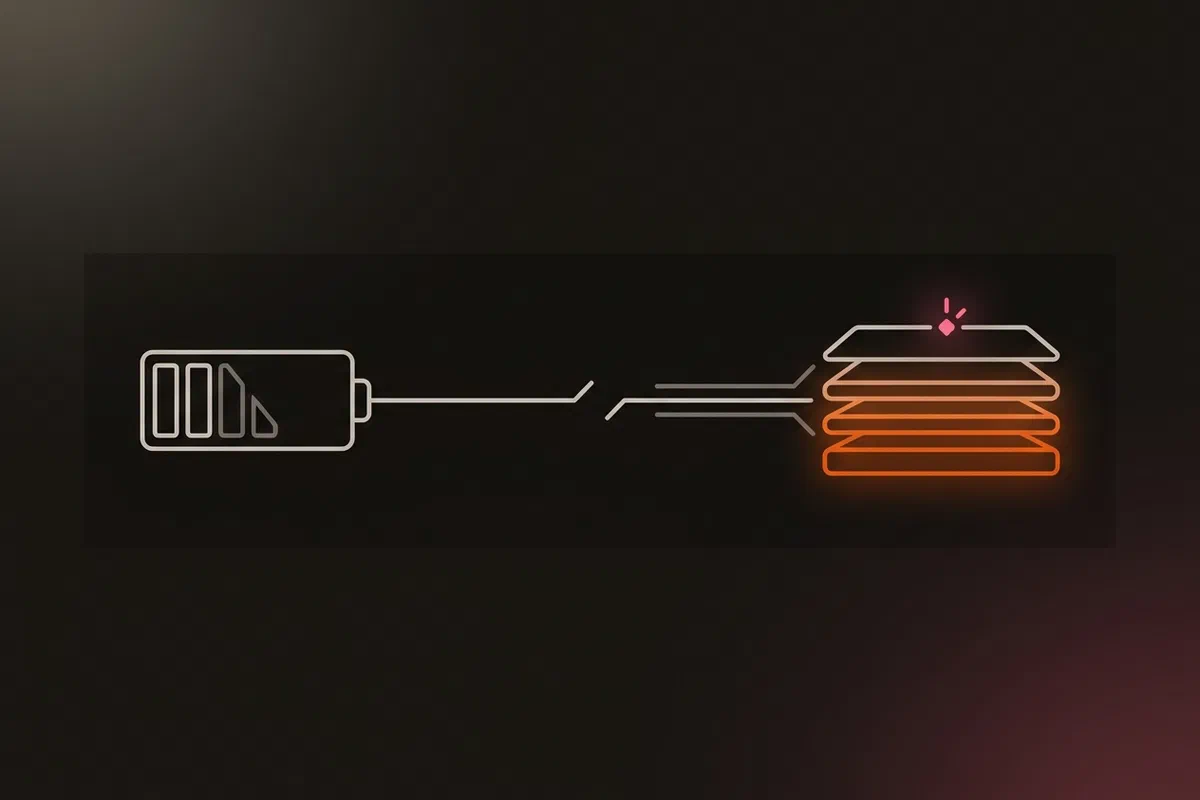


On 17 November the power went out across my area and stayed out for more than eight hours. The inverter carried the homelab for about six and a half of them. Then it ran flat, and the laptop that runs Proxmox lost power on the spot, because it has no battery fitted. All three K3s VMs went with it, mid-write, on the same day I had moved the first apps onto the cluster.
Turning it back on should have been the whole recovery. It took about two hours longer than that, because four things failed one after another, and each one only showed up once the layer below it was running: the firmware, GitOps, a backup Job and the backup chain.
No data was lost. This post walks through the cold start in the order it happened, what held up, and what changed afterwards. The full review is INC-2026-014.
Fifteen hours, in short #
The monitoring stack lives on the cloud host, not on the cluster, so it noticed within a minute: the hypervisor, the nodes and the apps were all down. The hypervisor didn’t come back. Since the kernel panic in INC-2026-012 it reboots itself 10 seconds after a panic, but that only helps when there’s a panic. There was no power.
When the power returned the next morning, the hypervisor booted. While troubleshooting I had pulled the CMOS battery, so the firmware was back at its defaults and the clock said April. Here’s how the next three hours went:
| # | Layer | What failed | Why it was hidden until then |
|---|---|---|---|
| 1 | Firmware | The VMs wouldn’t start: “KVM virtualisation configured, but not available” | Nothing runs a VM until the host is up |
| 2 | GitOps | Six apps that render through the SOPS plugin went Unknown |
Only happens when every app reconciles at once, after a cold start |
| 3 | Backup Job | The first database dump got “connection refused” | A new pod after a restart; it passed on retry |
| 4 | Backup chain | The etcd offsite copy refused to run | The cluster was down at 02:00, its only snapshot time |
The nodes were all Ready with every pod Running about 15 hours after the power dropped. Everything was checked and the backups caught up 16 minutes later.
Layer 1: a BIOS reset turned virtualisation off #
The kernel log said it plainly once I looked: VMX disabled by the BIOS. On this HP laptop, the firmware defaults switch hardware virtualisation off. Removing the CMOS battery had reset every setting, so a plain power-on became two more power cycles and about two hours of diagnosis. Re-enabling Virtualization Technology in the BIOS fixed it, and Proxmox started all three VMs on its own after the reboot.
The reset I did to rule things out was the thing that broke it. The hardware DR runbook now has a branch for exactly this error, with the check and the setting to change:
dmesg | grep -i "vmx.*disabled by bios"     # virtualisation off after a BIOS reset
journalctl -b | grep -i "clock wrong"       # the same reset also loses the clock
Layer 2: six apps stuck on Unknown
#
Four minutes after the nodes came up, six of the 24 ArgoCD apps showed Unknown. All six render through the SOPS plugin, which decrypts secrets during the manifest build (how that works).
This is the same shape as the webhook burst in Seven Silent GitOps Gotchas, only bigger. Two apps used SOPS back then and six do now. On a cold start every app reconciles at once, the SOPS builds queue behind each other, and at a 100m CPU limit one build took about 8.5 seconds. The queued ones ran past the controller’s 60-second deadline. The repo server then cached the failure and, after three failed builds, stopped trying for an hour.
Restarting the repo server and refreshing the six apps one at a time brought all 24 to Synced and Healthy. The lasting fix went into the ArgoCD values the same day:
repoServer:
  # INC-2026-014: after 3 failed builds the repo server stops trying for 60 minutes and
  # the app stays Unknown. Five minutes lets a cold start heal on its own.
  env:
    - name: ARGOCD_PAUSE_GEN_MINUTES
      value: "5"
  extraContainers:
    - name: ksops-plugin
      resources:
        limits:
          # INC-2026-014: at 100m one manifest build took ~8.5 s, so six SOPS apps queued
          # after a cold start ran past the controller's deadline and went Unknown.
          # Only the limit rises; the request (what the node reserves) is unchanged.
          cpu: 500m

configs:
  params:
    # INC-2026-014: 60 s (default) is too short for SOPS apps queued behind each other
    # after a cold start; 180 s still fails a genuinely stuck build within minutes.
    controller.repo.server.timeout.seconds: 180
I rehearsed it: restart the repo server and refresh all seven SOPS apps at once. They were Synced in 63 seconds, with builds of 2 to 8 seconds instead of 14 to 27.
Layer 3: the dump that couldn’t connect #
Before trusting the data, I ran the nightly database dump by hand. Its first connection to PostgreSQL was refused, and the retry passed. A new pod’s NetworkPolicy can take a moment to admit it, and the Job connected before that. The fix is one line at the top of the dump script:
# A new pod's NetworkPolicy can take a moment to admit it: wait up to 30 s
# instead of failing the first connection and burning a Job retry.
for i in $(seq 30); do pg_isready -q && break; sleep 1; done
The next dump passed on its first attempt, and the restore drill passed: 4 databases and 120 tables loaded into a throwaway PostgreSQL, with row counts equal to the dump.
Layer 4: the backup chain that refused, correctly #
The etcd backup chain runs on the hypervisor in three stages: pull the snapshots, back them up locally, copy them offsite. Its timers use Persistent=true, so a missed night runs at boot. That catch-up fired before the clock was synchronised and before the control VM was up, and the first stage failed before I was even looking.
Later, with everything up, the chain’s own freshness check refused to run: no snapshot was under 26 hours old. K3s takes its etcd snapshot only at 02:00, and at 02:00 the cluster was off. The check was right, but nothing let it catch up, so it would have refused every run until the next night. A manual snapshot unblocked it, and the offsite copy for that night landed about ten hours late.
The sync stage now waits for the clock and the control VM, and takes its own snapshot when the scheduled one was missed:
# INC-2026-014: after a power cut the boot catch-up (Persistent=true) fires before
# the clock is set and before the control VM is up. Wait up to 15 min for both.
for _ in $(seq 90); do
  [ "$(timedatectl show -p NTPSynchronized --value)" = yes ] && "${SSH[@]}" true 2>/dev/null && break
  sleep 10
done

# INC-2026-014: K3s snapshots only at 02:00. If the cluster was down then, nothing
# newer than a day exists and every later stage would refuse to run until the next
# night. Take one now, named like the scheduled ones so the later stages count it.
if [ -z "$("${SSH[@]}" "sudo find ${SOURCE_DIR} -maxdepth 1 -name 'etcd-snapshot-*' -mmin -1440")" ]; then
  "${SSH[@]}" "sudo k3s etcd-snapshot save --name etcd-snapshot"
fi
What held #
- The cloud-hosted monitoring. It paged within a minute and stayed up for all 15 hours. This is the reason it doesn’t run on the cluster.
- Every backup stage that couldn’t run safely refused and said so. Freshness checks stopped the etcd stages, and the success-only heartbeats stayed silent. Nothing wrote a stale copy and reported success, which was the whole point of Green Is Not a Status.
- The app-data offsite copy needed no help. It ran at boot from data already on disk and succeeded.
- The checks already existed as tools. The restore drill and per-table row counts proved the restored state in under a minute.
I was also lucky. The power failed after the first two app migrations had finished and their data had been checked, and the old copies of the moved apps were still on the cloud host, stopped but intact.
The logs that weren’t there #
The hypervisor’s journal lost its last six and a half hours. Its hand-set 50 MB cap was full, journald was deleting files constantly, and the file in use when the power dropped didn’t survive the reboot. So the logs couldn’t tell a crash from a power loss. My own memory of the power cut settled it, which is not much of an audit trail after a post about phantom shutdowns.
The journal is now managed by Ansible: 500 MB, synced to disk every minute instead of every five. While I was in there, I added disk and ZFS pool alerts (pool not online, pool errors, overdue scrub, SMART failing, growing bad sectors, stale SMART data, running hot), unit-tested with promtool in CI, and a Grafana dashboard for the same. smartd had been mailing its warnings to a local mailbox that nobody reads.
Two things are still open:
- Power. A UPS sized for the hypervisor and router, or a battery in the laptop, plus a warning before the inverter runs out. Nothing measures the inverter’s charge today, so nothing could shut the lab down cleanly.
- Logs off the box. The cluster nodes already ship logs to Loki on the cloud host. The hypervisor should too, so the next outage leaves evidence somewhere else. It needs a tailnet grant.
What I learned #
- Recovery problems arrive in the order things come back. Firmware, GitOps, a backup Job and the backup chain each failed only once the layer below was up, and most of them only appear after a full cold start. (INC-2026-014)
- Check what a hardware reset will undo before you do it. Here it was one BIOS setting, and it cost two hours. (runbook)
- Load grows quietly. Six SOPS apps behave differently from two, and the plugin’s limits dated from when there were two. (
kubernetes/bootstrap/argocd/values.yaml) - A freshness check that refuses needs a way to catch up, or one missed night becomes a day without offsite copies. (
a947bb9) - Retry at the start, not in the Job. A short wait for the database is cheaper than a burned Job retry. (
2f2bce5)
Architecture takeaways #
A cold start is its own failure mode #
Steady-state testing never exercises the moment when everything starts at once: every timer catches up, every app reconciles, every pod is new and the clock may be wrong. Queues, timeouts and ordering assumptions that hold one at a time break together. The only way to find them on purpose is to rehearse a full cold start, rather than restarting one component at a time.
Put the witness outside the failure domain #
The monitoring on the cloud host is the one part of this incident that worked without help, because it shares nothing with the laptop. The journal that should have explained the outage lived on the machine that lost power. Evidence, like backups, is only useful if it’s stored somewhere the failure can’t reach.
Safety checks need a recovery path #
Refusing to copy a stale snapshot is the right default. A check that can only say no, though, turns a short outage into a longer gap. Each guard needs a defined way back to green that doesn’t involve a human remembering to take a manual snapshot.
Previous: Homelab Kubernetes Storage: Why local-path Beat Longhorn and Ceph · All posts in the series