

In 2024 I built a security-focused CI/CD pipeline on GCP: Jenkins, Maven, SonarQube, Trivy, Nexus, Docker Hub and a kubeadm cluster. One commit ran the whole chain, from compile to a verified deployment, and an email arrived at the end with the Trivy report attached. It ran end to end, and I called it done.
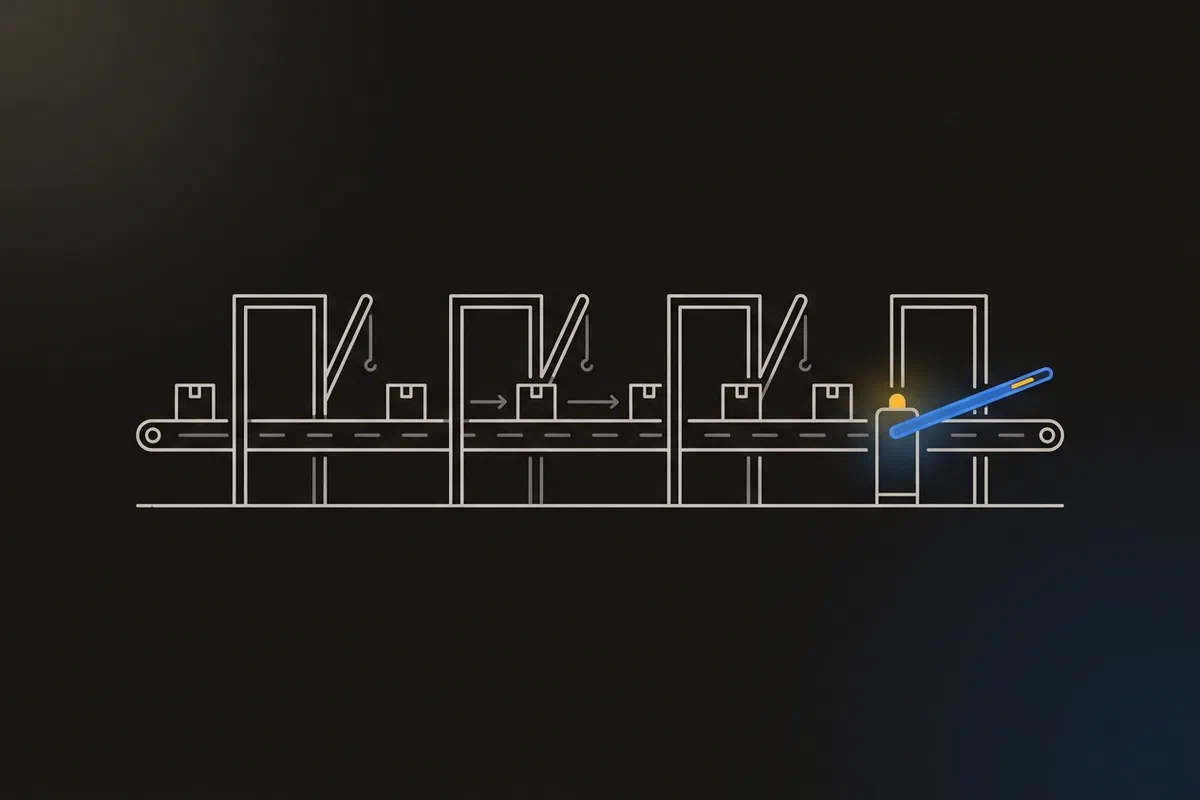
Reviewing it this year, I found that a passing run meant less than I thought. None of the security checks could stop a release. Each one ran, produced output and carried on, whatever it found. The image scan was pointed at a different image from the one the pipeline pushed. And the step called “Verify Deployment” would have passed with every pod crashing.
None of this needed a clever attacker to matter. A scanner that can’t fail the build is a reporting tool, and reports only help if someone reads every one. This post goes through the four checks, why each one failed open, and how I’d prove a gate is a gate.
Four checks, one way out #
Here are the checks from the Jenkinsfile, and what each could actually do:
| Stage | What it ran | Could it stop the pipeline? |
|---|---|---|
| File System Scan | trivy fs |
No: exits 0 whatever it finds |
| Quality Gate | waitForQualityGate abortPipeline: false |
No: reports the result and continues |
| Docker Image Scan | trivy image on another image name |
No: it scanned a different image, and exits 0 anyway |
| Verify Deployment | kubectl get pods |
No: succeeds whatever the pods are doing |
Four checks, and not one of them could turn the build red.
Gate 1: Trivy reports and exits 0 #
Both scans used the same shape:
stage('File System Scan') {
    steps {
        sh "trivy fs --format table -o trivy-fs-report.html ."
    }
}
Trivy’s exit code defaults to 0. Finding vulnerabilities is the output, not a failure, so the sh step succeeds and Jenkins moves on. That default is reasonable for a tool you run by hand to look around. In a pipeline it means the scan can’t block anything unless you tell it to.
The fix is two flags: what counts as serious, and what to do about it:
sh "trivy fs --exit-code 1 --severity HIGH,CRITICAL --format table -o trivy-fs-report.txt ."I also renamed the report. --format table writes a plain-text table, and naming it .html didn’t make it a web page. It just made the attachment in every email look broken.
Here’s the difference on alpine:3.10, an image that reached end of life years ago, with Trivy 0.76.1:
$ trivy --version
Version: 0.76.1

# As in the 2024 Jenkinsfile: findings, but exit 0
$ trivy image --quiet --severity HIGH,CRITICAL --format table alpine:3.10

alpine:3.10 (alpine 3.10.9)
===========================
Total: 1 (HIGH: 0, CRITICAL: 1)

┌───────────┬────────────────┬──────────┬────────┬───────────────────┬───────────────┬──────────────────────────────────────────────────────────────┐
│  Library  │ Vulnerability  │ Severity │ Status │ Installed Version │ Fixed Version │                            Title                             │
├───────────┼────────────────┼──────────┼────────┼───────────────────┼───────────────┼──────────────────────────────────────────────────────────────┤
│ apk-tools │ CVE-2021-36159 │ CRITICAL │ fixed  │ 2.10.6-r0         │ 2.10.7-r0     │ libfetch: an out of boundary read while libfetch uses strtol │
│           │                │          │        │                   │               │ to parse...                                                  │
│           │                │          │        │                   │               │ https://avd.aquasec.com/nvd/cve-2021-36159                   │
└───────────┴────────────────┴──────────┴────────┴───────────────────┴───────────────┴──────────────────────────────────────────────────────────────┘
exit=0

# The same scan as a gate
$ trivy image --quiet --exit-code 1 --severity HIGH,CRITICAL alpine:3.10 > /dev/null
exit=1
One critical vulnerability, the same in both runs. The only difference is whether the pipeline is allowed to stop.
Gate 2: a quality gate that waits, then carries on #
stage('Quality Gate') {
    steps {
        script {
            waitForQualityGate abortPipeline: false, credentialsId: 'sonarqube-token'
        }
    }
}
waitForQualityGate waits for SonarQube to finish its analysis and returns the gate’s status. With abortPipeline: false, a failed gate doesn’t fail the stage or even mark the build unstable. The pipeline continues to Build, Nexus and Docker Hub as if the gate had passed. The stage’s name promised a gate; the flag made it a status check.
stage('Quality Gate') {
    steps {
        timeout(time: 5, unit: 'MINUTES') {
            waitForQualityGate abortPipeline: true, credentialsId: 'sonarqube-token'
        }
    }
}
The timeout matters as much as the flag. The step relies on SonarQube calling a webhook back to Jenkins; if the webhook is missing or blocked, it waits until something gives up. A gate that hangs forever doesn’t block a bad release either. It blocks every release, and teams remove gates like that.
Gate 3: the scan that looked at someone else’s image #
This was the one that surprised me most:
stage('Build and Tag Docker Image') {
    steps {
        script {
            withDockerRegistry(credentialsId: 'docker-cred', toolName: 'docker') {
                sh "docker image build -t che01tan/boardgame:latest ."
            }
        }
    }
}

stage('Docker Image Scan') {
    steps {
        sh "trivy image --format table -o trivy-image-report.html chetanthapliyal/boardgame:latest"
    }
}
The build tags che01tan/boardgame. The scan asks for chetanthapliyal/boardgame. Those are two different Docker Hub repositories, and the push sends che01tan/boardgame. So the image that reached the cluster was never the image that was scanned.
Trivy doesn’t find chetanthapliyal/boardgame:latest on the build machine, so it pulls it from Docker Hub. In 2024 that repository existed, so the scan pulled whatever image was in it and passed. It scanned a real image, wrote a real report and attached it to the email. It just wasn’t the image the pipeline had built and was about to push. Nothing in the report said so.
That repository has since been deleted. Docker Hub returns 404 for it (checked on 26 November 2026), so today the same stage would stop the pipeline, for the wrong reason. (Docker Hub answers “authentication required” for a repository that doesn’t exist. I’ve trimmed a line about Trivy not finding a local Podman socket.)
$ trivy image --quiet chetanthapliyal/boardgame:latest
        * remote error: GET https://index.docker.io/v2/chetanthapliyal/boardgame/manifests/latest: UNAUTHORIZED: authentication required; [map[Action:pull Class: Name:chetanthapliyal/boardgame Type:repository]]

exit=1
The same mix-up exists in the manifests. The app repository’s deployment.yaml runs che01tan/boardgame:latest, and the cluster setup notes deploy chetanthapliyal/boardgame:latest.
The fix is one name, defined once, and a tag that changes with every commit:
stage('Build, Scan and Push Image') {
    steps {
        script {
            def sha   = sh(returnStdout: true, script: 'git rev-parse --short=12 HEAD').trim()
            def image = "che01tan/boardgame:${sha}"
            withDockerRegistry(credentialsId: 'docker-cred', toolName: 'docker') {
                sh "docker image build -t ${image} ."
                sh "trivy image --exit-code 1 --severity HIGH,CRITICAL ${image}"
                sh "docker push ${image}"
            }
        }
    }
}
Building, scanning and pushing in one stage, from one variable, means the scanned reference is the pushed reference. Signing the image and deploying by digest goes further, and that’s where Binary Authorization or a Kyverno image policy comes in.
Gate 4: a verification that verifies nothing #
stage('Verify Deployment') {
    steps {
        withKubeConfig(/* cluster credentials */) {
            sh "kubectl get pods -n webapps"
            sh "kubectl get services -n webapps"
        }
    }
}
kubectl get pods lists pods. It exits 0 when they’re Running, and it exits 0 when they’re in CrashLoopBackOff. The stage printed the state and passed, whatever the state was.
There was a quieter problem underneath. The manifest pinned che01tan/boardgame:latest, and the pipeline re-applied the same manifest every run. When the spec doesn’t change, kubectl apply changes nothing, so no new pods were created after the first deploy. Each run pushed a new image under the same tag, and the cluster kept running the old one. kubectl get pods showed healthy pods from an earlier build, which looked exactly like success.
The commit-SHA tag fixes both. A new tag changes the Deployment, so Kubernetes rolls it out, and rollout status waits for the rollout and fails if it doesn’t complete:
sh "kubectl -n webapps set image deployment/boardgame-deployment boardgame=${image}"
sh "kubectl -n webapps rollout status deployment/boardgame-deployment --timeout=180s"
Proving a gate is a gate #
Changing the flags isn’t enough on its own; I made the same assumption in 2024 that the checks worked. The only proof is to make each gate fail on purpose and watch the pipeline stop:
- Trivy: build once from a base image with known HIGH vulnerabilities (an old Alpine works). The scan stage must go red, and the push stage must not run.
- Quality gate: set the gate’s threshold to something the code can’t meet, such as 100% coverage on new code. The stage must fail.
- Deployment: deploy an image whose container exits at once.
rollout statusmust time out and fail the build. - Then revert, and keep the failing cases as tests, so a later edit that turns a gate back into a report is caught.
This is the rule I later wrote into Project Aether’s standards: every gate can fail the build, a check that can only warn is a report, and each gate has been seen failing at least once.
What I learned #
- A gate that can’t fail is a report. Reports are useful, but nothing reads every report, so they don’t protect a release.
- Most tools default to reporting. Trivy exits 0, and the Jenkins quality-gate step can be told to carry on. Failing is the setting you have to choose.
- Scan the exact thing you ship. Two image names in one Jenkinsfile meant the scan and the push never met. One variable, one tag per commit, and ideally a digest.
- Green needs a reason.
kubectl get podswas green because it can’t be anything else. A check earns trust by having been red when it should be.
Further reading #
- Security & Compliance in CI/CD in my knowledge base
- Supply Chain Attacks in my knowledge base
- Trivy configuration: exit code and severity, Trivy documentation
- SonarQube Scanner for Jenkins, SonarSource documentation
This came out of reviewing the Security-Focused CI/CD Pipeline; the original build is in the 2024 write-up.